Website Design Process: From Idea to Launch, Step by Step
In this article
- Step 1: Understand the business and the goal
- Step 2: Plan the pages and content
- Step 3: Design
- Step 4: Development and content
- Step 5: Testing before launch
- Step 6: Launch and connect Google
- Step 7: Follow-up after launch
- What do you need to provide as the business owner?
- Common mistakes that delay the project
- How long does each stage take?
- How to review the design properly
- Frequently asked questions about the website design process
- Do I need to understand programming?
- Can I see the website before it opens to the public?
- After launch, will the site appear on Google right away?
- Pre-launch checklist
- Who does what in the website team?
- After launch: the first 30 days
- Can we start with mobile only and do desktop later?
- What should I prepare before the first meeting?
- If I already have an old website, are the steps different?
- Practical tips for every stage
- How does the website bring its first customers after launch?
- What is the most important page on the site?
- How often should I update the website?
- Quick summary
- Conclusion
If you are planning a website for your business, it is important to understand the website design process before you start. When you understand the stages, you can follow the work, prepare what is needed from you on time, and avoid delays and endless revisions.
Step 1: Understand the business and the goal
Every successful website starts with one question: what is this website for? To sell products? To bring bookings? To get people to request a quote? That answer shapes everything that follows. At this stage we learn who your customer is, who your competitors are and what makes you different from them.
Step 2: Plan the pages and content
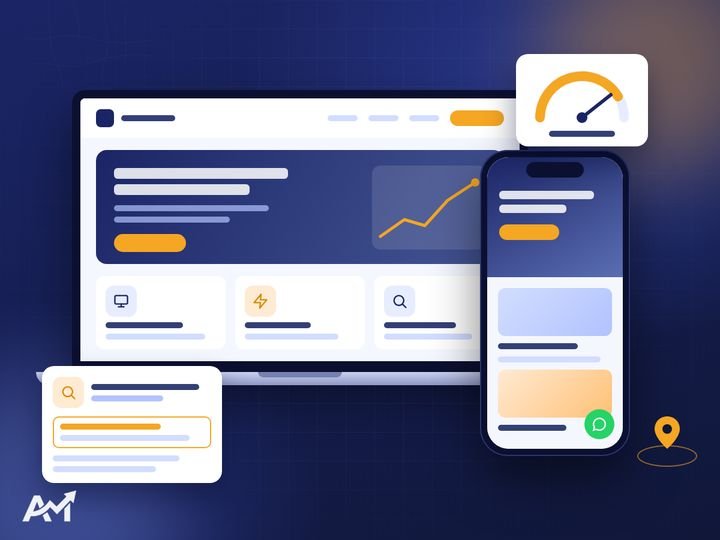
Here we draw the “site map”: the pages, their order and what goes on each page. At the same time we identify the words your customers type into Google, so every page is built around a clear search term. If the site is a store, we set the categories and how products will be displayed.
Step 3: Design
We design the pages in your brand identity: colours, fonts, images and the way information is arranged. We always start with the mobile version, because most visitors come from phones, and Google itself now evaluates websites based on their mobile version. If you do not have a visual identity yet, we can create it first through our brand identity design service.
Step 4: Development and content
Once you approve the design, it becomes a working website. We add the content and photos, tune the loading speed and prepare the title and description for every page. Speed here is not a luxury, and we cover it in detail in our website speed article.
Need a website that brings you customers? Tell us about your business and we will come back with a plan and a clear written quote. The first consultation is free.
Step 5: Testing before launch
Before the site opens to the public, we test everything:
- The site on different phones and screens.
- Every form and every WhatsApp and call button.
- Loading speed.
- For stores: a complete order, from adding the product to payment.
Step 6: Launch and connect Google
On launch day we connect the domain, enable the security certificate (https), add the site to Google Search Console and submit the sitemap, and connect Google Analytics so you know who visits you and where they come from. The details of this step are in how to get your new website ready for Google.
Step 7: Follow-up after launch
A website lives and grows. We follow the numbers, improve the pages that need it and add new content. And if you want visitors faster, you can start ads through social media management and ads.
What do you need to provide as the business owner?
- Clear information about your business and services.
- Your logo and photos (if you have them).
- Reviewing the design and content on schedule.
- Domain and hosting details if you already have them.
Common mistakes that delay the project
- Starting without a clear goal: the idea keeps changing, so the design is redone more than once.
- Late content: the site is ready and waiting for text and photos. Prepare them early.
- Changes after approval: every big change after a stage is closed pushes the work back.
- Ignoring mobile: reviewing the design on a computer only, when the customer will see it on a phone.
How long does each stage take?
There is no fixed duration for every website, because a small company site is not the same as a big store. But the rule is that a professional company gives you a schedule of the stages and the delivery date of each stage from day one, and sticks to it. If a delay comes from your side (such as content), the schedule moves by the same amount.
How to review the design properly
- Open it on your phone first.
- Ask yourself: as a customer, would I understand what this company does in 5 seconds?
- Is the contact button clear without having to look for it?
- Collect all your notes at once instead of sending one note a day.
Frequently asked questions about the website design process
Do I need to understand programming?
Not at all. Your role is to explain your business and review the work at each stage; we handle the rest.
Can I see the website before it opens to the public?
Yes. We prepare a test version that you can see and review before launch.
After launch, will the site appear on Google right away?
Google takes time to visit and index the site, and rankings build up over time and with content. Connecting the site to Search Console speeds up how quickly pages are discovered.
Pre-launch checklist
Before you say “let’s open the site”, go through these points one by one:
- Every page opens, and no page is empty or has placeholder text.
- Every link works, and none leads to a page that does not exist.
- Phone and WhatsApp numbers are correct, and the WhatsApp button opens a ready message.
- The contact form really arrives, and you have tested it yourself.
- Every page has a written title and description.
- Images are compressed and have descriptions.
- The site opens with https.
- You have tried the site on an Android phone and an iPhone.
- Google Analytics and Search Console are connected.
- There is a backup before launch.
Who does what in the website team?
A professional website is not one person’s work. There is usually:
- A project manager: understands your business and follows the stages and dates with you.
- A designer: turns the idea into a look, colours and page layouts.
- A developer: turns the design into a fast, working website.
- A content writer: writes persuasive text that matches what people search for.
- An SEO specialist: prepares the pages for Google and connects the measurement tools.
When this team is in one place, the work moves faster and comes out consistent. That is what we offer at AdMaster through website design together with our other marketing services.
After launch: the first 30 days
The first month after launch matters a lot. During this period we check: has Google started indexing the pages? Are there errors in Search Console? Where are visitors coming from, and do they reach the contact page? Based on these numbers we adjust: maybe a button needs to be clearer, a page needs more content or a heavy image needs compressing. These small changes make a big difference in the number of requests.
Can we start with mobile only and do desktop later?
A responsive site is built once and works on every screen, so there is no need to separate them. But the design itself starts with mobile, because it matters most.
What should I prepare before the first meeting?
A summary of your business and services, your logo if you have one, examples of websites you like and a rough idea of the budget. If you need to know the budget, read website design cost.
If I already have an old website, are the steps different?
One step is added before them: we review the old site and find out what brings visits so we can keep it. The details are in website redesign.
Practical tips for every stage
In the understanding stage: write down the 5 questions your customers ask most before they buy from you. Those questions are the most important content on your website, and they must be answered clearly on its pages.
In the planning stage: do not try to put everything on the home page. The home page introduces and directs; the details belong on the service pages.
In the design stage: focus on clarity before beauty. The visitor must know within seconds what you do, who it is for and how to contact you.
In the content stage: write in your customer’s language, with short sentences and one idea per paragraph. Avoid generic claims like “we are the best”; instead say something the customer can verify, such as the number of projects or an example of your work.
In the testing stage: ask someone outside the business to try the site and attempt to request a service. Their notes will reveal things you cannot see.
How does the website bring its first customers after launch?
A new website needs a push at the start: share the link with your current customers, add it to your social media pages and start a small ad campaign on your most important service. Over time, content and SEO build steady visits from Google. What matters is that every visitor finds a clear next step: contact us, request a quote or book.
What is the most important page on the site?
Usually the main service page, because that is where the customer decides. Make it detailed, with examples of your work and a clear contact button.
How often should I update the website?
Update the content whenever you have something new: a service, a project or an article. Technical updates and backups should be done regularly.

Quick summary
- Every successful website starts by understanding the business and the goal of the site before any design.
- The page map and target keywords are set before the design, not after it.
- Design starts with mobile, because most visitors come from phones.
- Full testing before launch saves you many problems with customers.
- Launch is not the end: follow-up and improvements in the first month make the difference.
Conclusion
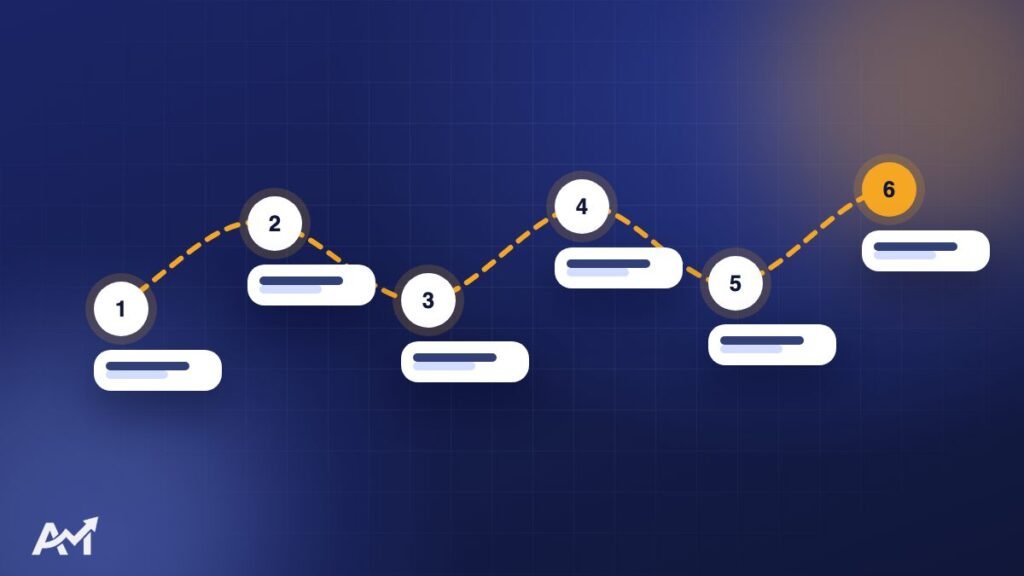
The right website design process is: understand, plan, design, build, test, launch and follow up. Each step has a clear date, and that keeps the project moving without surprises. If you want to know the budget before you start, read what determines website design cost, or contact us directly and we will walk through these steps with you one by one.