Website Redesign: 9 Signs Your Website Needs a Refresh
In this article
- 1. The site is slow
- 2. It looks bad on mobile
- 3. Visitors come but do not get in touch
- 4. It is hard to edit
- 5. The design is old and no longer reflects your business
- 6. It does not show up on Google
- 7. It is not secure
- 8. There is no measurement
- 9. You need new features
- How do you redesign without losing your Google rankings?
- Improve or rebuild?
- Before you start: review the numbers
- What the new website must have
- Frequently asked questions about website redesign
- Will I lose my Google rankings?
- Will the site go offline during the work?
- Can I keep the same domain?
- Website redesign steps in order
- Example: an old company site that brings visits but no requests
- A redesign is a chance to update your identity
- The cost of a redesign
- When is the best time for a redesign?
- Do I have to change the hosting?
- Mistakes that happen in a redesign
- How do you know the redesign worked?
- Do I need to rewrite all the content?
- Does a redesign take longer than a new website?
- Quick summary
- Conclusion
Your website has been around for years, but you feel it no longer brings results? Sometimes the problem is not the marketing; it is the website itself. Here are 9 signs that you need a website redesign, and how to do it right.
1. The site is slow
If the page takes time to open, the visitor closes it and goes to someone else. Speed is also one of the things Google measures. Read why website speed matters and how to improve it.
2. It looks bad on mobile
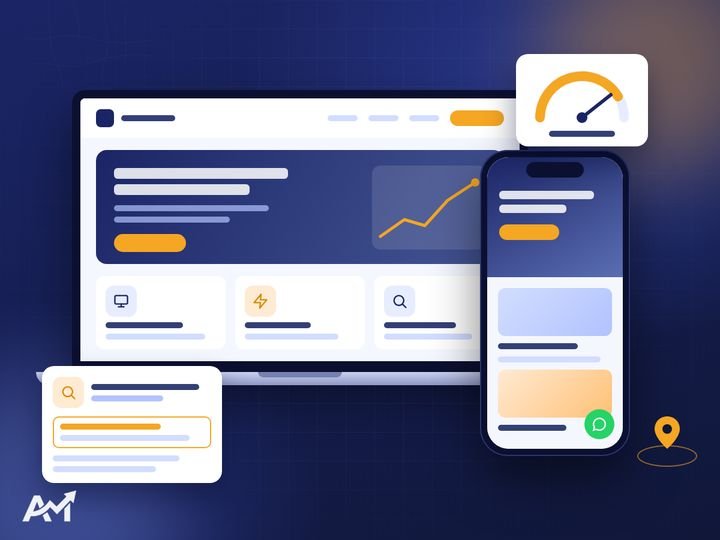
If you have to zoom in to read, or the buttons are tiny and crowded together, the site is not responsive. That matters because Google evaluates websites based on their mobile version.
3. Visitors come but do not get in touch
If you have visits but no requests, your message is probably unclear, the contact button is hidden, or the site does not reassure the customer.
4. It is hard to edit
Does every small change need a developer? That means the site was not built with an easy dashboard.
5. The design is old and no longer reflects your business
If your business has grown or you have changed your identity while the site stayed the same, the customer gets the wrong impression. You can start by updating your identity through brand identity design.
6. It does not show up on Google
If you search for your service and cannot find your site, it may not be technically ready for SEO. The details are in new website SEO.
Need a website that brings you customers? Tell us about your business and we will come back with a plan and a clear written quote. The first consultation is free.
7. It is not secure
If the browser shows “Not secure” next to your site’s name, there is no SSL certificate. That scares visitors away, and Google prefers sites that run on https.
8. There is no measurement
You do not know where visitors come from or what they do? The new site must be connected to Google Analytics and Search Console.
9. You need new features
Do you want to sell online, add booking or an English version? Sometimes the old site cannot handle it, and it is better to rebuild it properly. See types of websites to find out what you need.
How do you redesign without losing your Google rankings?
- List the important pages that bring visits before any change.
- Keep the URLs as much as possible, and if they change, set up a 301 redirect from the old to the new.
- Move the useful content and improve it instead of deleting it.
- After launch, submit the new sitemap to Search Console and watch for errors.
Improve or rebuild?
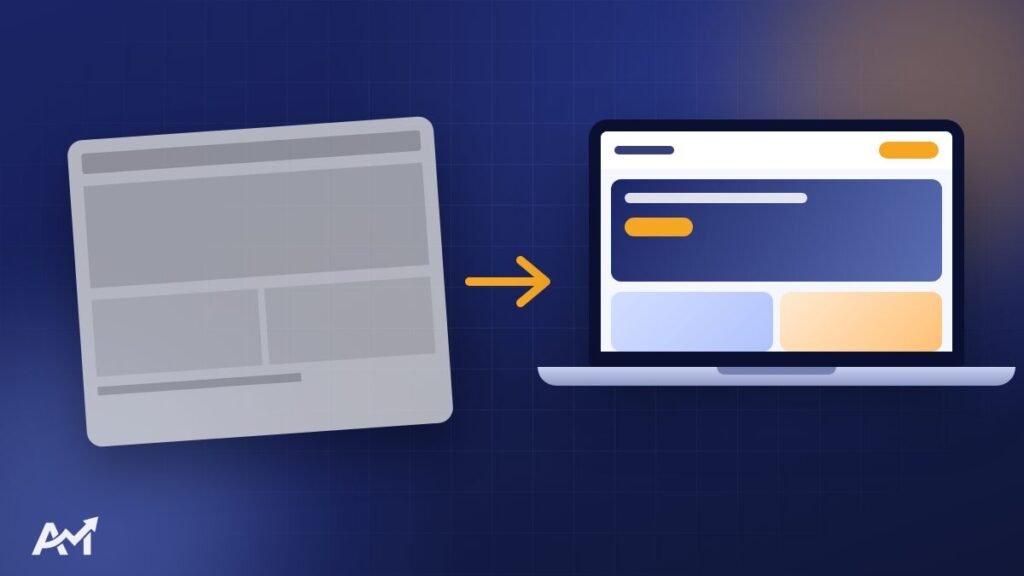
Not every old website needs to be rebuilt from scratch. If the problem is speed, images or some pages, improvements may be enough. But if the site was built in an outdated way, is hard to edit or needs big new features, rebuilding is more economical in the long run.
Before you start: review the numbers
- From Google Analytics: the most visited pages, and the pages people leave quickly.
- From Search Console: the terms your site appears for, and the pages that bring visits from Google.
- From customer messages: the questions asked most often, because they must be answered on the new site.
These numbers tell you what to keep and what to change.
What the new website must have
- A responsive design that starts with mobile.
- High, measured speed. Read website speed.
- An easy dashboard.
- Clear contact buttons on every page.
- A correct SEO foundation from day one.
Frequently asked questions about website redesign
Will I lose my Google rankings?
If it is done correctly, by keeping the important URLs or redirecting them with 301 and moving the useful content, rankings usually improve over time rather than drop.
Will the site go offline during the work?
No. The new site is built on a separate copy, and the old site keeps working until launch day.
Can I keep the same domain?
Yes, and that is usually best, because the old domain has history with Google and with your customers.
Website redesign steps in order
- Analyse the current site: the numbers, the important pages and the technical problems.
- Set the new goals: more requests? Online sales? Better visibility on Google?
- A URL map: where every old URL will go on the new site.
- Design and content: following the same website design process as a new site.
- Testing on a separate copy: without stopping the old site.
- Launch and redirects: enabling 301 redirects for the URLs that changed.
- Follow-up: watching Search Console and visits in the first weeks.
Example: an old company site that brings visits but no requests
Imagine a company with a site that is years old. It gets visitors from Google, but very few requests. When we review it, we find: the home page is full of generic text, the contact button is only at the bottom, the contact form is very long and the site is slow on mobile. The solution here is not more ads; it is a clearer message, a button visible on every page, a form cut down to name and number, and better speed. All of these changes are part of the redesign, and the result shows in the number of requests, not just in the look.
A redesign is a chance to update your identity
If you are renewing the site, it is a chance to review your whole brand: logo, colours, fonts and tone of voice. When the website, social media and print materials share the same identity, the company looks bigger and more professional. We can do this together through brand identity design and website design.
The cost of a redesign
A redesign sometimes costs less than a new site if the content exists and is good, and sometimes costs the same if we need to build from scratch. The same factors in the website design cost article apply here: the number of pages, the features and the content.
When is the best time for a redesign?
Well before your important season, so the new site is stable and tested when visits increase.
Do I have to change the hosting?
Not always. If the current hosting is suitable and fast, we can stay on it. If it is the cause of the slowness, it is time to change it.
Mistakes that happen in a redesign
- Deleting old pages without redirects: the visitor coming from Google finds a “not found” page.
- Focusing on looks and neglecting content: a site that looks nicer but says the same weak things.
- Launching without testing: forms that do not work or wrong numbers.
- Forgetting the measurement tools: so you will not know if the new site is better.
How do you know the redesign worked?
Compare the numbers before and after, a month or two later: the number of requests, calls and WhatsApp messages, the time visitors spend on the site, the pages they reach and impressions on Google. If requests went up, the goal is achieved, because the goal was never a nicer site; it was more customers.
And do not rush to judge in the first week. Google takes time to understand the site again after a change, and rankings sometimes move a little at first before they settle. Continuous follow-up and small adjustments after launch are what get you to the result.
Do I need to rewrite all the content?
Not all of it. Content that brings visits is kept and improved, weak content is rewritten and missing content is added.
Does a redesign take longer than a new website?
It can take less time if the content is ready, but it involves extra work moving URLs and content and protecting rankings.

Quick summary
- Slowness, weak mobile and few requests are the main signs your site needs a refresh.
- Not every old site needs to be rebuilt from scratch; sometimes improvements are enough.
- Review the Analytics and Search Console numbers before you change anything.
- Keep the important URLs or set up 301 redirects so you do not lose your rankings.
- Measure requests before and after, because the goal is more customers, not just a nicer look.
Conclusion
If you found 3 or more of these signs on your website, a website redesign will make a real difference to your requests and your image. Send us the link to your current site and we will tell you honestly: improve it or rebuild it. You can also read what determines the cost of a website.